

Collection:
Software
Original software at Ennap.com: the Microsoft Windows 11 Pro Key, a Global Retail product key for activating Windows 11 Pro on a PC that meets the Windows 11 requirements.
1 product
Filter

Microsoft Windows 11 Pro Key
Choose your option
Windows 11 Pro Key: What to Check Before Buying
The Microsoft Windows 11 Pro Key is a Global Retail product key and comes with an activation guarantee. It activates Windows 11 Pro on a clean installation, and it upgrades a PC that already runs an activated copy of Windows 11 Home to Pro.
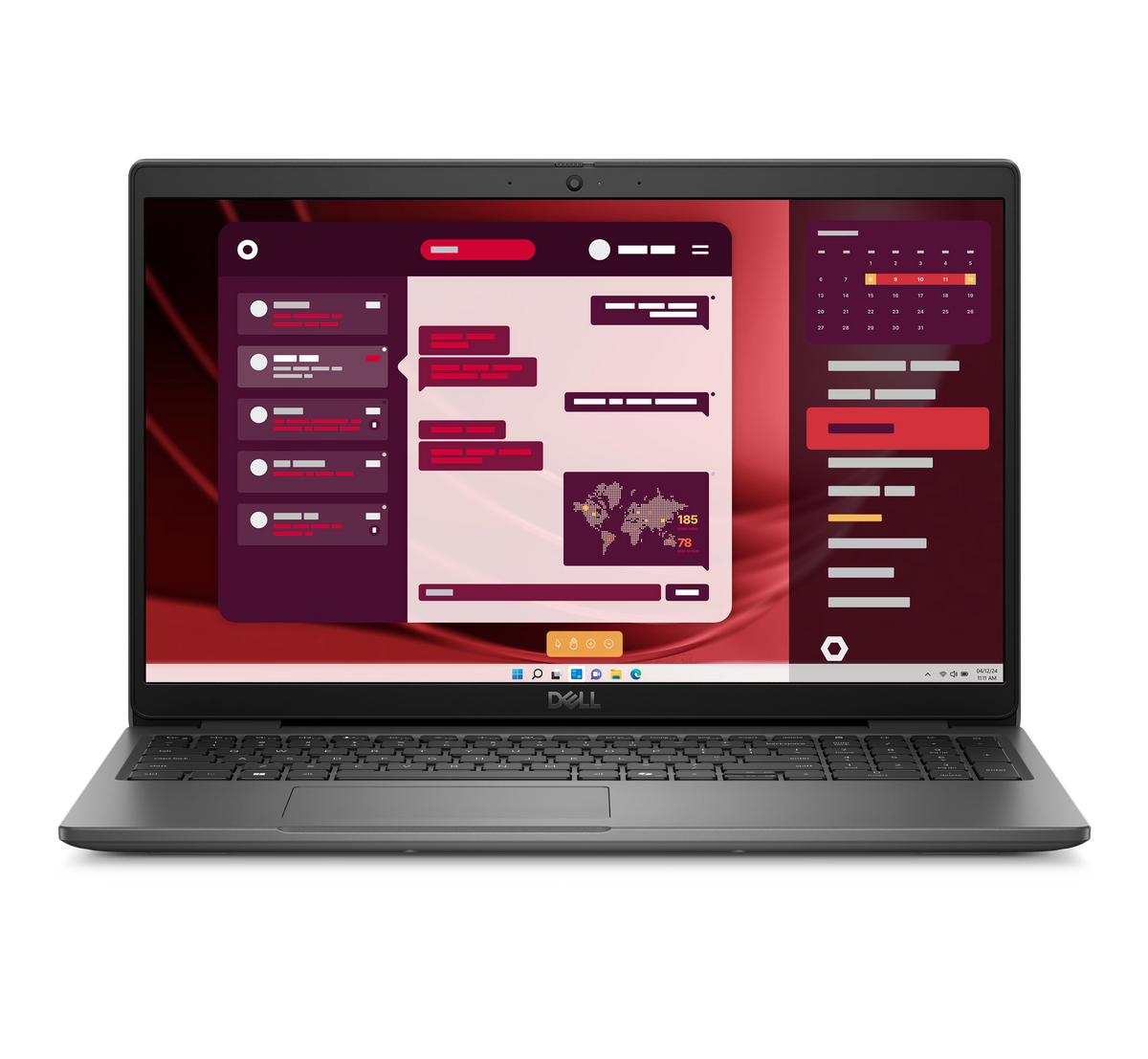
Before buying, check that the PC meets the Windows 11 requirements: a compatible 64-bit processor of 1GHz or faster with 2 or more cores, 4GB of RAM, 64GB of storage, UEFI firmware with Secure Boot, TPM 2.0 and graphics compatible with DirectX 12 with a WDDM 2.0 driver. If a laptop is short on memory, the Crucial 8GB DDR4-3200 Laptop Memory adds RAM to laptops that take DDR4, and more parts are on the computer components page.
Windows 11 Pro adds BitLocker to Go for encrypting USB flash drives and Client Hyper-V for running virtual machines on a processor with SLAT, and neither is part of Windows 11 Home. The same key is also listed on the digital products page, and the Ennap Gift Card is on the gift cards page.
Software and Windows 11 Pro Key – Frequently Asked Questions
How much does an original Windows 11 Pro key cost in Egypt?
The price depends on the licence. This page holds the Microsoft Windows 11 Pro Key, and its current price is shown on its product page.
Is the Windows 11 Pro key Retail or Global?
It is a Global Retail key and comes with an activation guarantee, as stated on the Microsoft Windows 11 Pro Key product page.
What does a PC need to run Windows 11?
A compatible 64-bit processor of 1GHz or faster with 2 or more cores, 4GB of RAM, 64GB of storage, UEFI firmware with Secure Boot, TPM 2.0 and graphics compatible with DirectX 12 with a WDDM 2.0 driver, plus a 720p display larger than 9 inches.
How do I upgrade from Windows 11 Home to Pro?
On a PC running an activated copy of Windows 11 Home, open Start, then Settings, System and Activation. Select Change next to Change product key, enter the 25-character Windows 11 Pro product key and select Next to start the upgrade.
What does Windows 11 Pro add over Windows 11 Home?
Windows 11 Pro adds BitLocker to Go for encrypting USB flash drives and Client Hyper-V for running virtual machines on a processor with SLAT.
Does Windows 11 Pro need an internet connection during setup?
Yes, for personal use. Windows 11 Pro for personal use needs an internet connection and a Microsoft account during the first device setup.
Is the Windows key at Ennap.com original?
Yes. The Microsoft Windows 11 Pro Key is an original Microsoft product key, and its activation guarantee is stated on its product page.
Does Ennap.com sell other digital products?
Yes. The Ennap Gift Card is on the gift cards page, and the digital products page groups the products sold as a key or code.